In the line, like a character
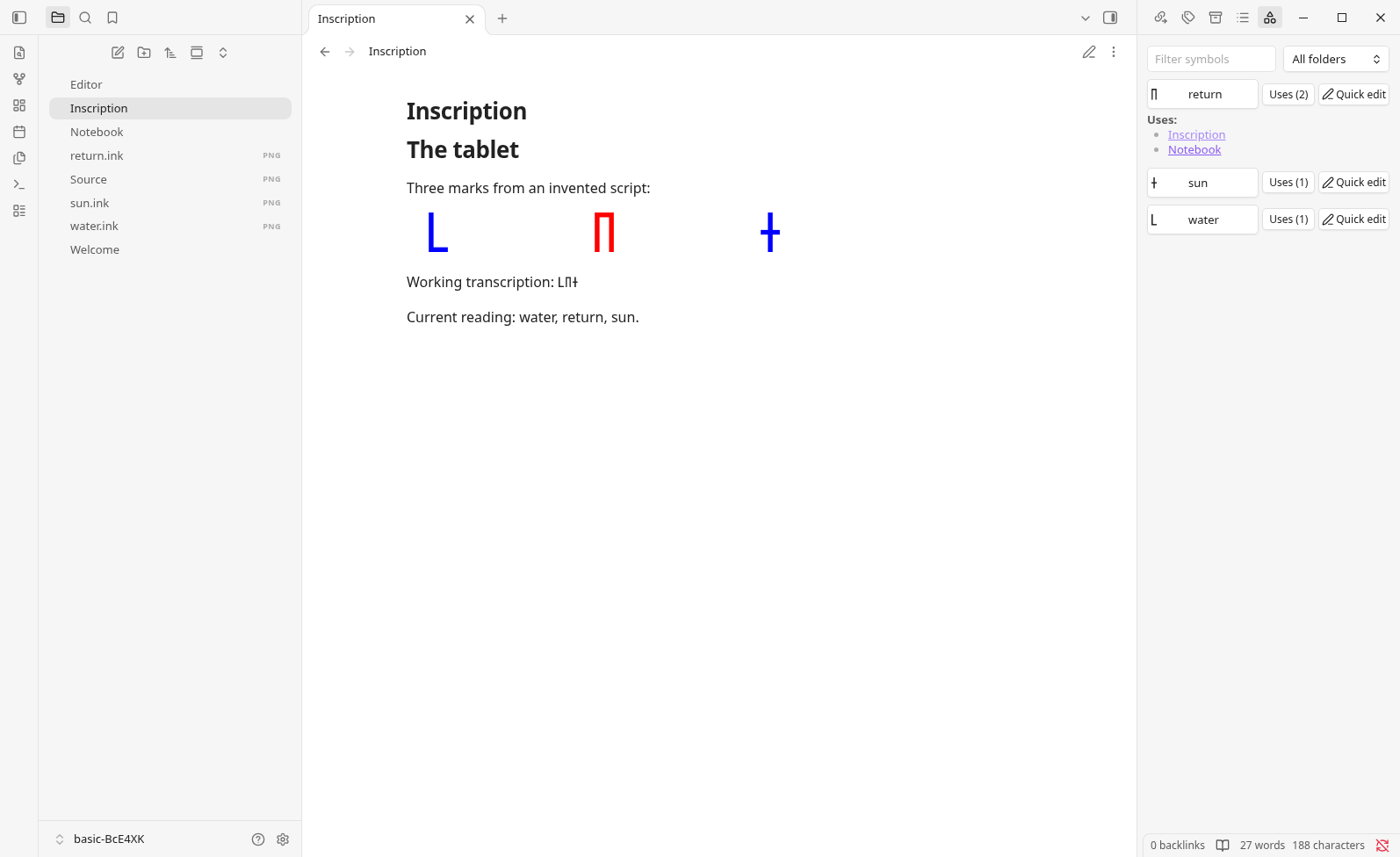
A symbol stands on the text's baseline, grows with headings and zoom, and by default takes the colour of the text around it, in light and dark themes.
An Obsidian plugin for drawing symbols that no font has, which sit in the line of text like characters, by default at the text's size and in its colour.
Install
Inkline runs in Obsidian 1.13.4 or later, on desktop, and 1.0.0 is its first stable release. Install it from Obsidian's community plugins, then draw your first symbol. If Inkline does not show there yet, install the ZIP from the latest release.
Inkline is for writing notes in a script that no font has, so you cannot type it. That is the same work from two directions:
Either way, Inkline does two things:
;; unless you change it in the settings, and a few letters of any of them to write the symbol again in any note. Its readings and translations can be edited at any time without changing a note, and the library finds every note that uses it.A cipher or a personal shorthand works the same way.
Settings describes size, colour, insertion, and drawing preferences; Known limits says what Inkline does not do, and what to do instead.
Inkline is written and maintained by AI agents, and no person reviews the code. Its source, issues, and change history are on GitHub.